Photographing Art to Sell or Share Online: The Complete Guide
How to photograph paintings and artwork for online sales — lighting setups, color accuracy, editing, and print-ready file preparation, no pro gear required.

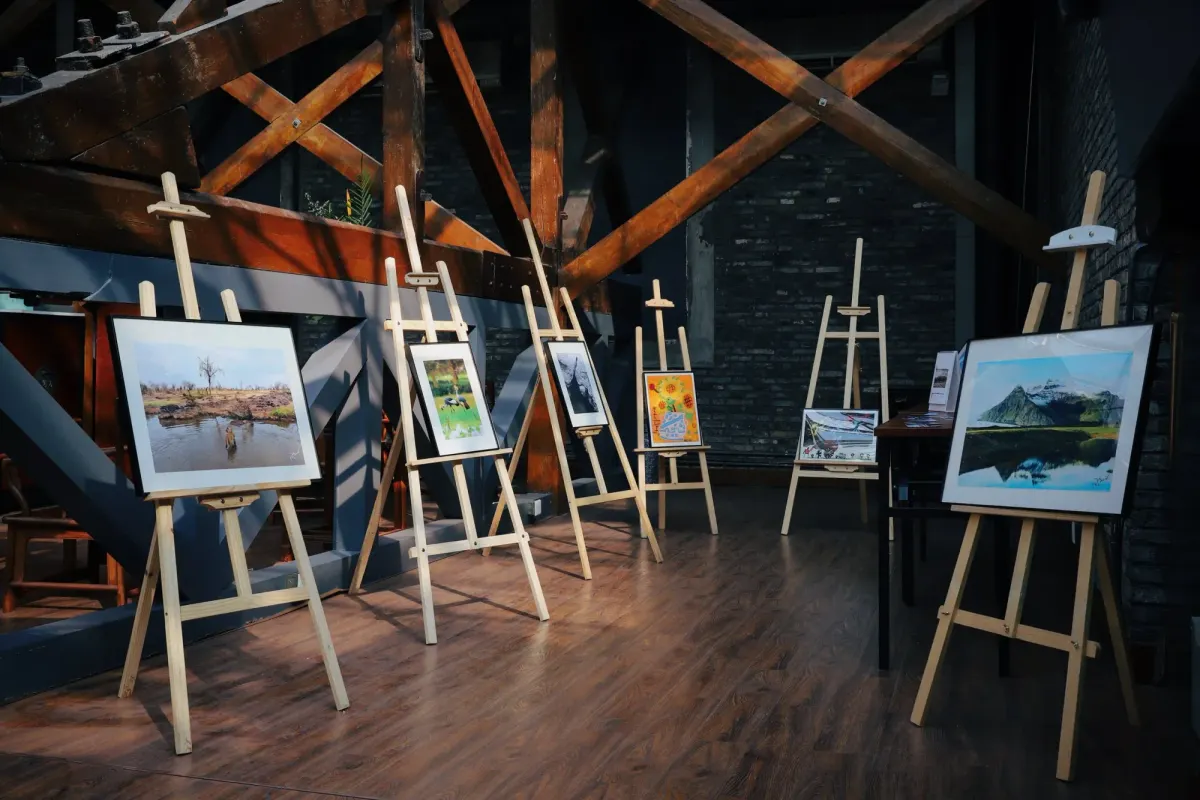
A gallery visitor sees your painting in perfect light, from exactly the distance you intended. An online buyer sees a photograph of it — usually on a phone screen, usually for about three seconds before deciding whether to keep scrolling. That photograph is doing all the work your framing, lighting, and presence would do in person, which is why photographing your art well is not a technical chore. It is the single highest-leverage skill for selling work online.
The good news: you do not need a professional studio or a $3,000 camera. You need controlled light, a stable camera, and a repeatable process. Here is the complete workflow we recommend to artists selling on Fine Art America, from setup to final file.
Camera: your phone is probably enough
Any smartphone released in the last five years can produce a print-quality capture of most artwork. A 12-megapixel photo is roughly 4000 × 3000 pixels — enough for a sharp 24" × 18" print at gallery viewing distance. If you own a mirrorless or DSLR camera, use it, but do not let the lack of one stop you.
What matters far more than the camera body:
- Shoot at base ISO (ISO 100 or your phone's default in good light). High ISO adds noise that becomes visible in large prints.
- Never use digital zoom. Move the camera closer instead.
- Shoot the largest file your device allows — RAW if available, otherwise maximum-quality JPEG. You can always downsize; you can never recover detail that was never captured.
Light: the part that actually separates amateur from professional
Ninety percent of bad art photography is bad lighting — glare on varnish, a yellow cast from household bulbs, or one side of the canvas brighter than the other. The fix is indirect, even, neutral light:
- Best free option: open shade outdoors. Bright overcast days are a giant natural softbox. Set the work upright, facing the open sky but out of direct sun.
- Best indoor option: two matched lights at 45 degrees. Place one light on each side of the artwork, at 45° angles, at equal distance and power. This cancels glare and evens illumination corner to corner. Two inexpensive LED panels or softboxes work fine — just make sure both bulbs are the same color temperature (5000–5500K, "daylight").
- Turn off every other light in the room. Mixed light sources are the number-one cause of color casts you cannot fix later.
For work under glass or with glossy varnish, angle the piece slightly or move the lights wider until reflections disappear from the camera position. If glare will not go away, remove the glass — always photograph the artwork itself, never a reflection of your ceiling.
Squaring up: keep your edges parallel
A painting photographed at even a slight angle turns rectangles into trapezoids and softens focus on one side. To avoid it:
- Hang or prop the artwork perfectly vertical, and put the camera on a tripod (or a stack of books) at the exact center height of the piece.
- Make the camera's sensor parallel to the artwork — the edges of the piece should be parallel to the edges of your frame. Most phone cameras have a grid overlay; turn it on.
- Leave a small margin around the artwork and crop precisely afterward, rather than trying to frame edge-to-edge in camera.
- Use the self-timer or a remote shutter so pressing the button doesn't shake the camera.
Color accuracy: get the white balance right
Buyers return prints that "don't look like the picture," so accurate color protects your reviews as much as your art. Set white balance manually to match your lights (or shoot RAW and set it later). If you photograph work regularly, a photographer's gray card costs about ten dollars: take one frame with the card in the shot, then use it to correct color in editing. Finally, compare the corrected photo to the physical artwork side by side under neutral light — your eyes are the last quality check.
Editing: correct, don't enhance
Editing artwork photos has one goal: make the file match the physical piece. In any free editor (Snapseed, Lightroom mobile, even your phone's built-in tools):
- Crop exactly to the artwork's edges, correcting any slight keystoning with the perspective tool.
- White balance against your gray card or a known neutral in the frame.
- Exposure so that whites are white but not blown out, and shadow detail survives.
- Resist the saturation slider. A juiced-up thumbnail that doesn't match the delivered print is a refund waiting to happen.
Skip filters entirely. The artwork is the product; the photo is documentation.
Photographing dimensional and non-flat work
Sculpture, ceramics, textiles, and heavily textured paintings benefit from one extra consideration: shadows are information. Use your main light slightly more from one side to let texture read, and shoot several angles — straight on, three-quarter, and detail close-ups. For photography prints, of course, you skip the capture step — but everything below about file preparation still applies to your exported files.
Preparing files for print-on-demand
Once you have a corrected master file, prepare it for upload:
- Resolution: upload the largest file you have. On Fine Art America, image dimensions directly determine the maximum print size buyers can order — a 3000 × 2400 pixel file caps out around 30" × 24", while a 7500-pixel file can sell as a 60-inch statement piece. Bigger files mean bigger (and higher-priced) sales options.
- Format: JPEG at maximum quality setting for upload.
- Color space: sRGB unless a platform specifically asks for Adobe RGB. sRGB is what browsers and most print pipelines assume.
- Inspect at 100% zoom before uploading. Check corners for softness, surfaces for dust and glare hotspots. What you miss here, a buyer sees at poster size.
A repeatable routine beats a perfect single shot
The artists who sell consistently photograph consistently. Set up your lights once, note the positions, and photograph every new piece the same day it is finished — same setup, same settings, same editing steps. Your catalog stays uniform, your uploads become a ten-minute habit instead of a dreaded project, and every piece you finish is ready to sell while your enthusiasm for it is still fresh.
When your files are ready, uploading to Fine Art America is free — your work becomes available as framed prints, canvas, metal, acrylic, and dozens of other products, printed on demand each time a buyer orders. The better your capture, the better every one of those products looks. It is worth the extra twenty minutes.